Education

Bible App

  • Android
  • iOS
  • Amharic
  • Afaan Oromoo
  • iOS & Android
  • iPhone Duo
A two-app Bible portfolio for Ethiopian readers: Amharic Bible+ and Macaafa Qulqulluu+, available on Google Play and the Apple App Store, with layouts that support the foldable iPhone Duo.
TechBehemoths Verification
GoodFirms Top Software Development Company 2025TechReviewer Top 100 Software Developers for Startups 2025
Bible App app preview

Project Snapshot

2 Apps
Local-language Editions
iOS
Apple App Store
Android
Google Play

Amharic Bible+

Amharic edition

Download on the App StoreGet it on Google Play

Macaafa Qulqulluu+

Afaan Oromoo edition

Download on the App StoreGet it on Google Play

Background

Amharic and Afaan Oromoo are two of Ethiopia's major languages, and readers in each deserve a scripture app that renders their text correctly and behaves the same on whatever phone they carry. Amharic is written in the Ethiopic (Ge'ez) script, while Afaan Oromoo uses the Latin-based Qubee alphabet, so one generic reader does not serve both well.

We built two separate apps rather than one app with a language toggle: Amharic Bible+ for Amharic readers and Macaafa Qulqulluu+ for Afaan Oromoo readers. Each has its own name, icon, and store listings on Google Play and the Apple App Store, so a reader searching in their own language finds an app made for them.

Both apps share the same reading experience and study tools, and both were laid out for the foldable iPhone Duo, where the wider screen makes room for side-by-side reading.

Challenge

Readers need dependable scripture apps in local languages with a comfortable experience across both Android and iOS.

Two scripts, one standard of legibility

Verse numbers, headings, highlights, and long passages had to stay clear and comfortable in Ethiopic script and in Qubee, which have very different shapes and line lengths.

Reading without a connection

Scripture is often read where mobile data is weak or costly, so the full text had to live on the device instead of loading chapter by chapter.

Finding a half-remembered passage

A reader who recalls a phrase but not the reference needs search that works in their language and returns verses, not whole chapters.

Parity across two stores

A church group with a mix of Android phones and iPhones should be able to follow the same passage with the same tools.

Methodology & Approach

We treated the scripture text as data first. Each edition is stored in SQLite on the device, so book, chapter, and verse lookups and word searches run locally without a server round trip. That decision is what makes offline reading the default rather than an optional mode.

React Native let our team ship one codebase to both stores and then tune typography and layout for each language. Every reading tool, from highlighting to cross references, was designed once and checked in both scripts.

  • Two apps, one toolsetSeparate listings for each language, with the same reading features underneath.
  • Offline by designThe text sits in a local SQLite database instead of being fetched on demand.
  • Typography per languageFonts, spacing, and verse layout tuned separately for Ethiopic script and for Afaan Oromoo text.
  • Large-screen layoutsReading screens adapted for the foldable iPhone Duo, including parallel translations across the fold.

Solution

DreamTech delivered dedicated Amharic and Afaan Oromoo Bible apps with customizable reading, search, sharing, bookmarks, and offline access.

Amharic reader, Afaan Oromoo reader use Bible App. Bible App: Is published on Google Play; Is published on Apple App Store; Shares verses to Facebook.UsesIs published onIs published onShares verses to

Amharic reader

Person

Reads, searches and highlights scripture in Amharic Bible+

Afaan Oromoo reader

Person

Reads and studies scripture in Macaafa Qulqulluu+

Bible App

Software system

Amharic Bible+ and Macaafa Qulqulluu+ offline readers

Google Play

External system

Distributes both apps to Android readers

Apple App Store

External system

Distributes both apps to iPhone readers

Facebook

External system

Social network readers can share verses to

Customizable reading

Readers adjust the layout to suit them and mark verses with a palette of highlight colors. Tapping a verse opens an action bar with the tools people reach for most.

  • Highlight in several colors
  • Copy or share a verse, including to Facebook
  • Add a personal note
  • Compare the verse across translations

Book and chapter navigation

A book list split between the Old and New Testaments sits beside a chapter grid, so jumping to any passage takes a couple of taps.

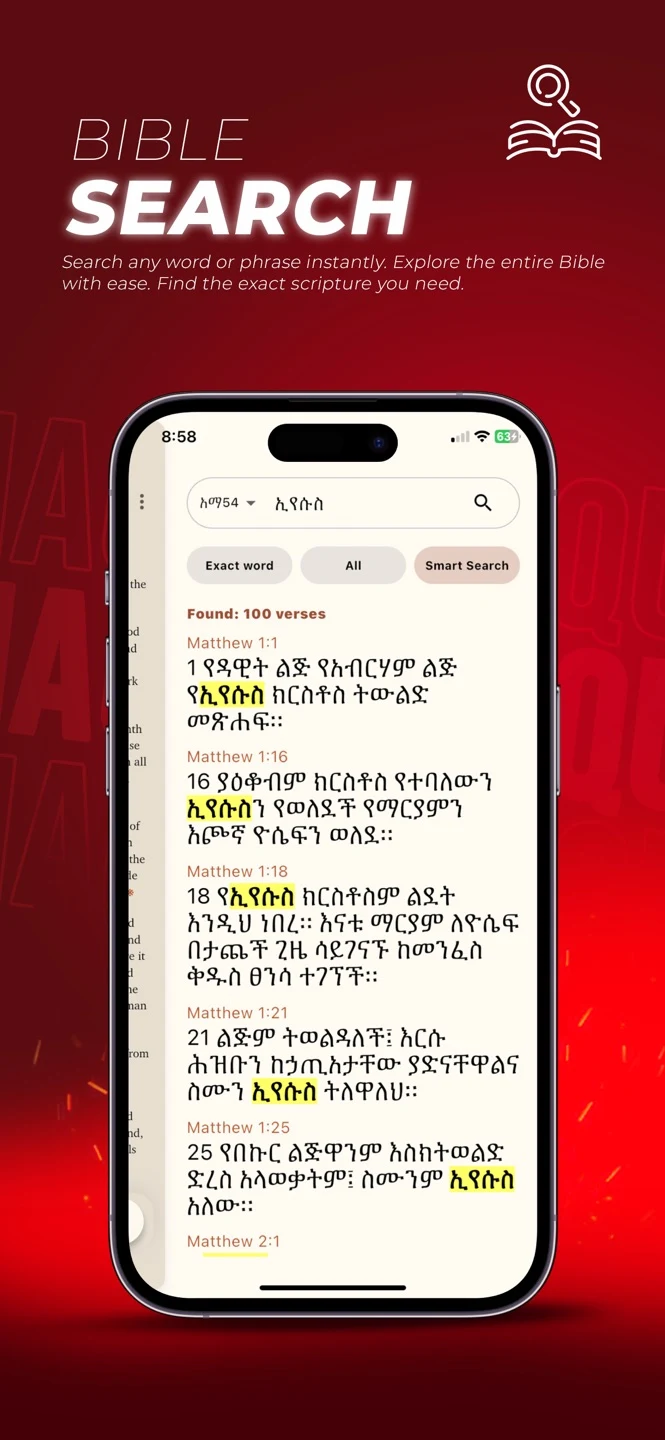
Search with match modes

Search returns matching verses with the term highlighted. Readers can switch between exact-word, all-words, and smart search depending on how precisely they remember the wording.

Cross references

From any verse, readers open a panel of related passages and move straight to the one they want.

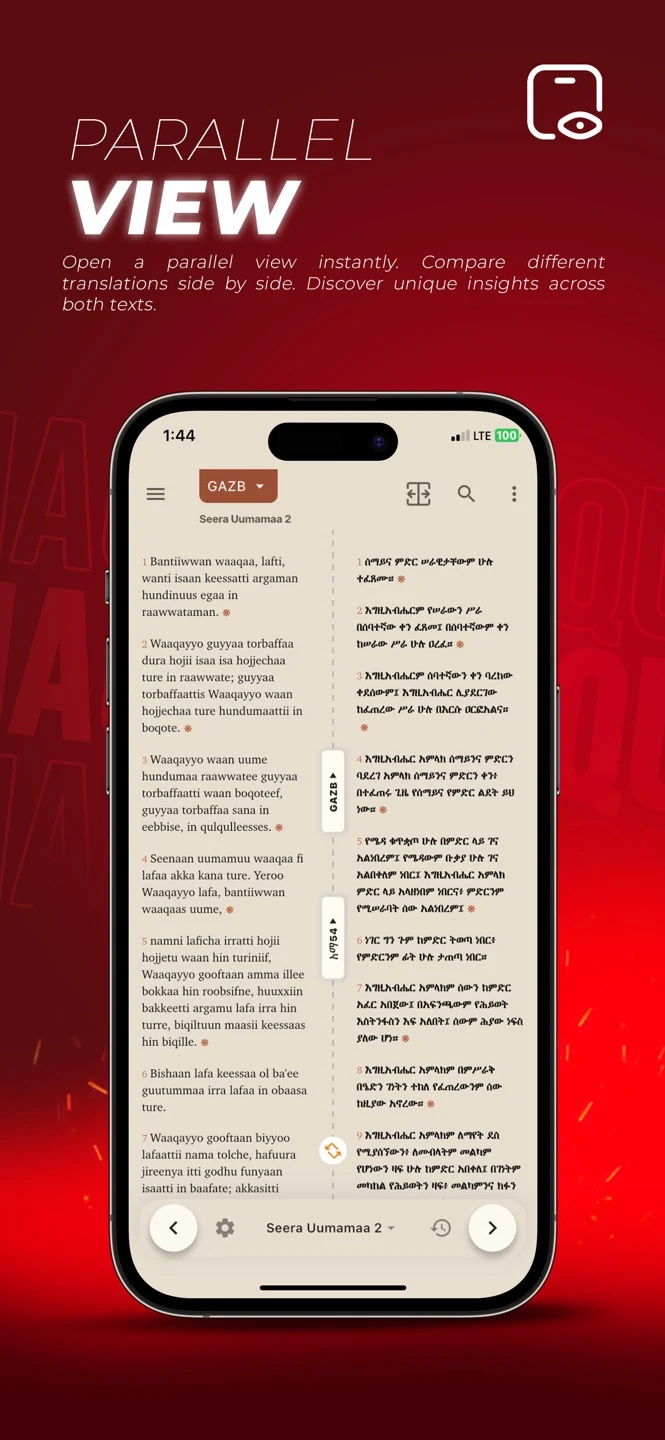
Parallel view

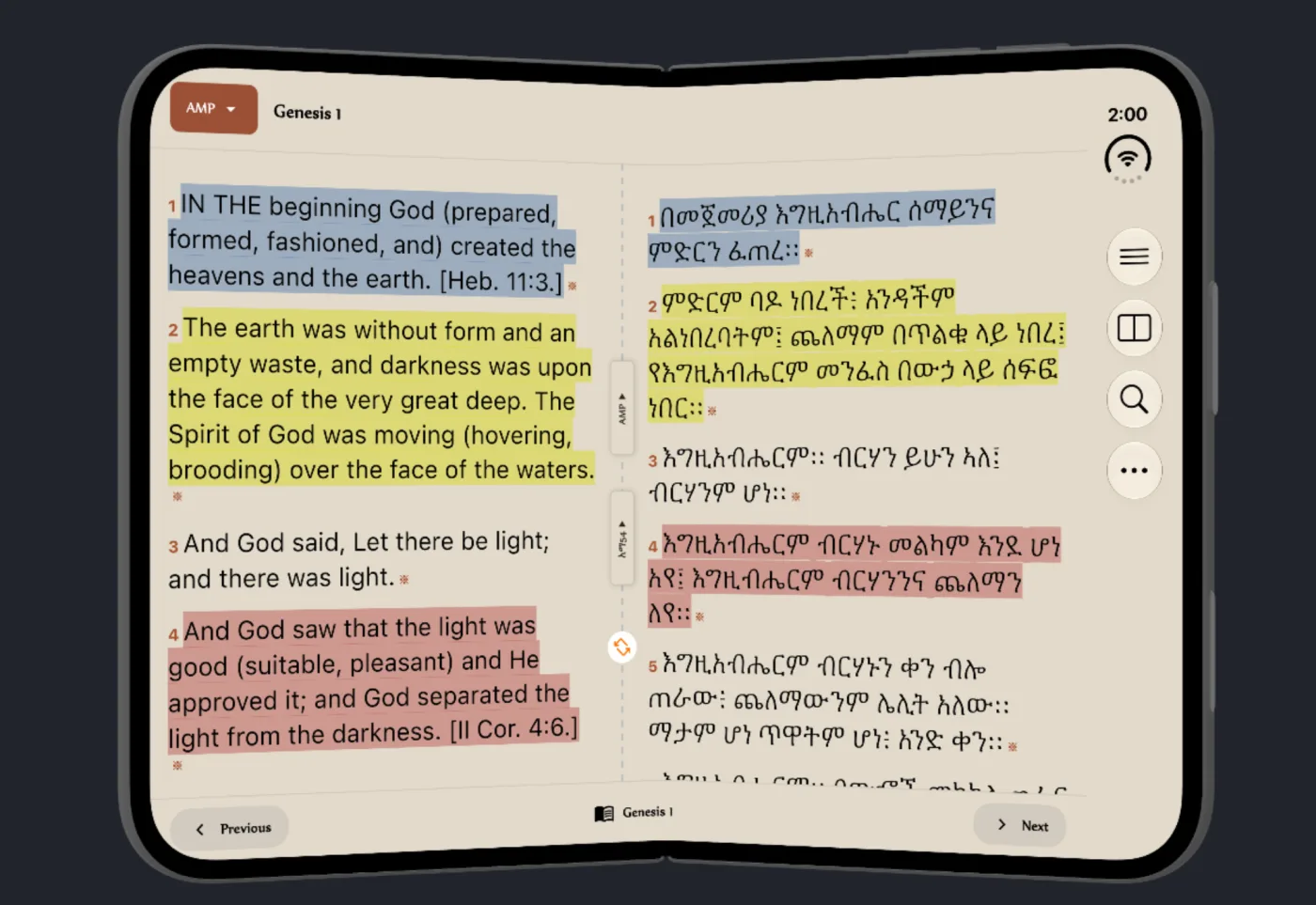
Two translations sit side by side for verse-by-verse comparison. On the iPhone Duo, Amharic Bible+ can show English and Amharic on either side of the fold.

  • Translation picker on the reading screen
  • Each column labeled with its translation

Bookmarks and offline access

Bookmarks keep favorite passages close, and because the text is stored on the phone, reading, navigation, and search all work without a connection.

Implementation Overview

Scope Objectives

  • Identify manual and paper-based workflows that could be reduced
  • Define workflow improvements against agreed operational requirements
  • Define reporting and analytics requirements for decision support
  • Plan architecture and capacity around documented growth assumptions

Delivery Approach

  • Sprint cadence agreed during project planning
  • User training and documentation defined by scope
  • Phased rollout planning to reduce operational risk
  • Testing and release controls selected for the solution

Capability Scope

  • 2 Apps Local-language Editions
  • iOS Apple App Store
  • Android Google Play
  • Deployment, rollback, monitoring, and handover planning
  • Maintenance and update scope defined by agreement

Built for iPhone Duo

Amharic Bible+ open on iPhone Duo showing Genesis 1 in English and Amharic side by side with highlighted verses
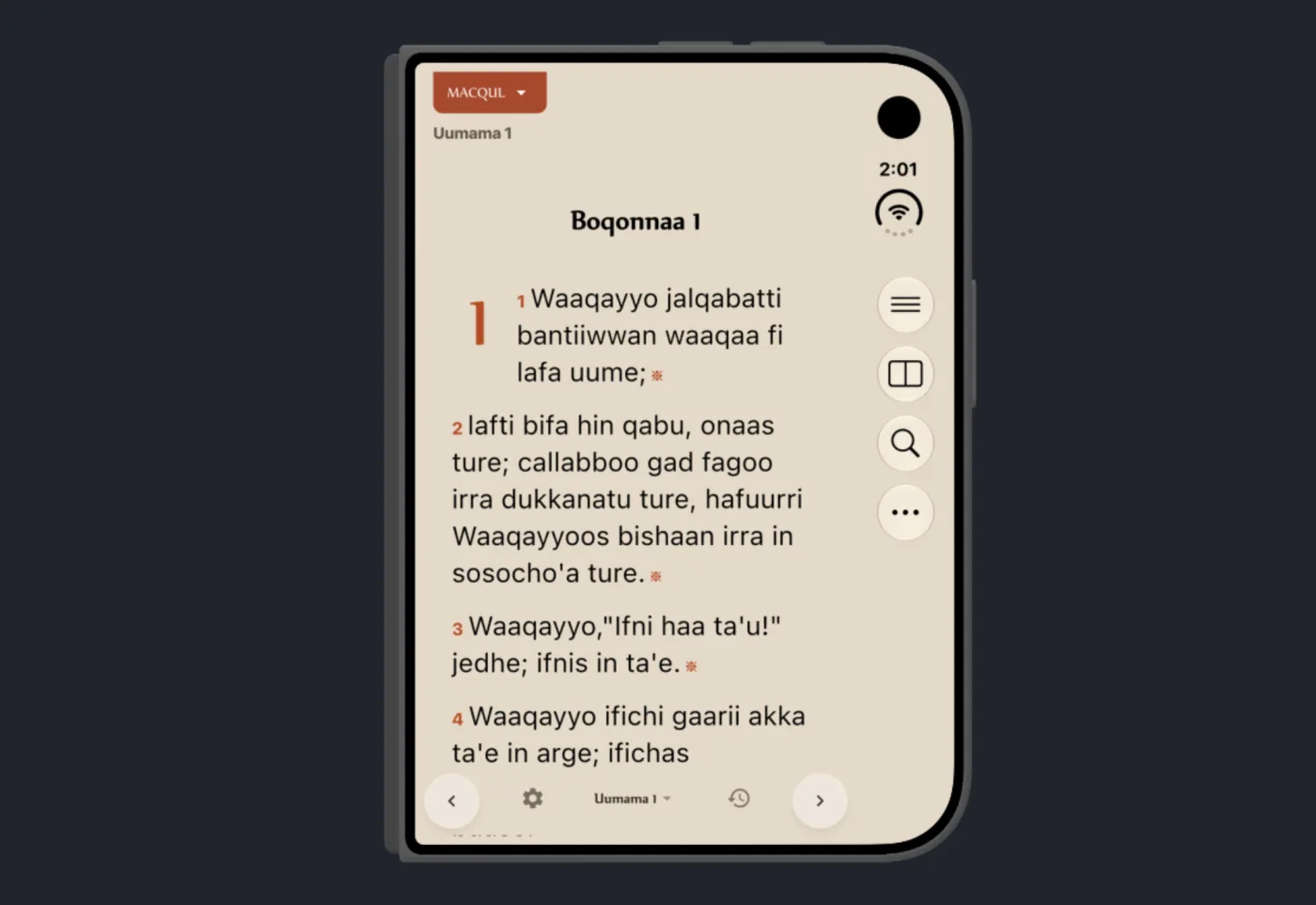
Macaafa Qulqulluu+ open on a folded iPhone Duo showing Uumama 1 in Afaan Oromoo

The Bible App collection

Two local-language apps

Explore the official store artwork for Amharic Bible+ and Macaafa Qulqulluu+, each built around the language and reading needs of its audience.

Amharic Bible+ app icon

Amharic

Amharic Bible+

A focused Amharic scripture experience with customizable reading, search, notes, sharing, and offline access.
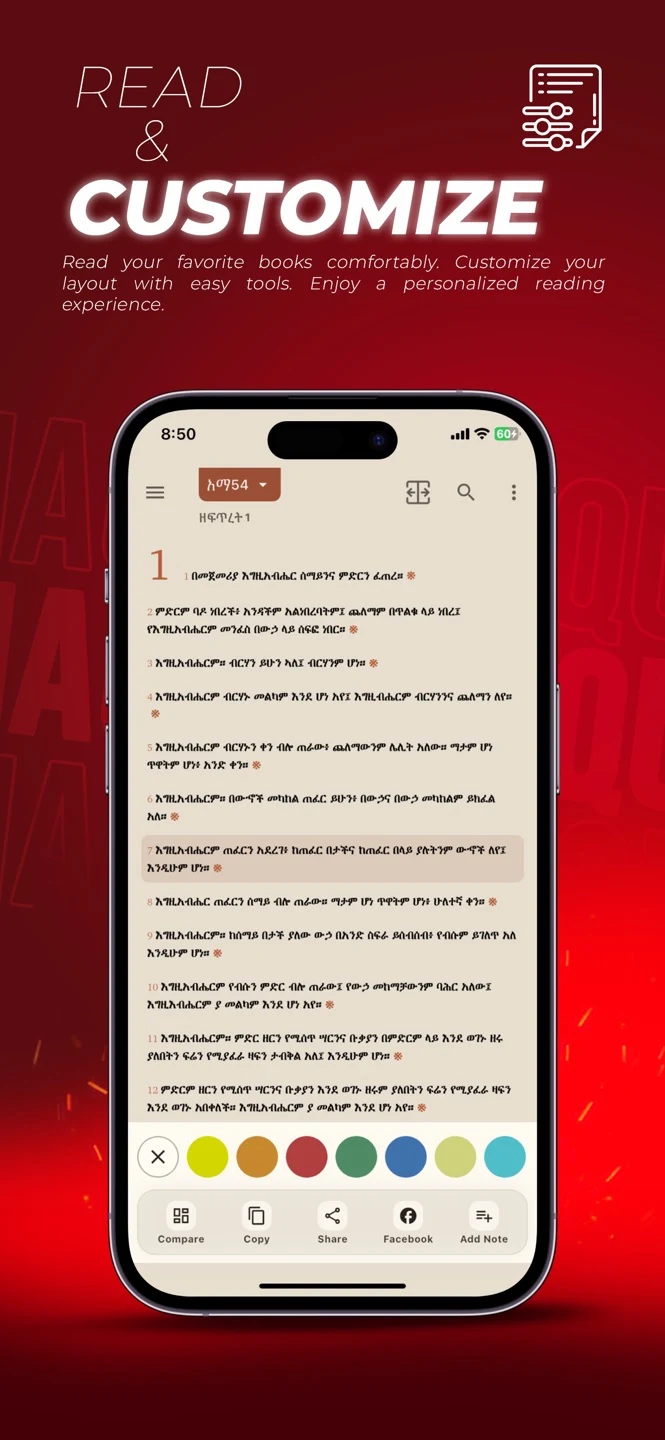
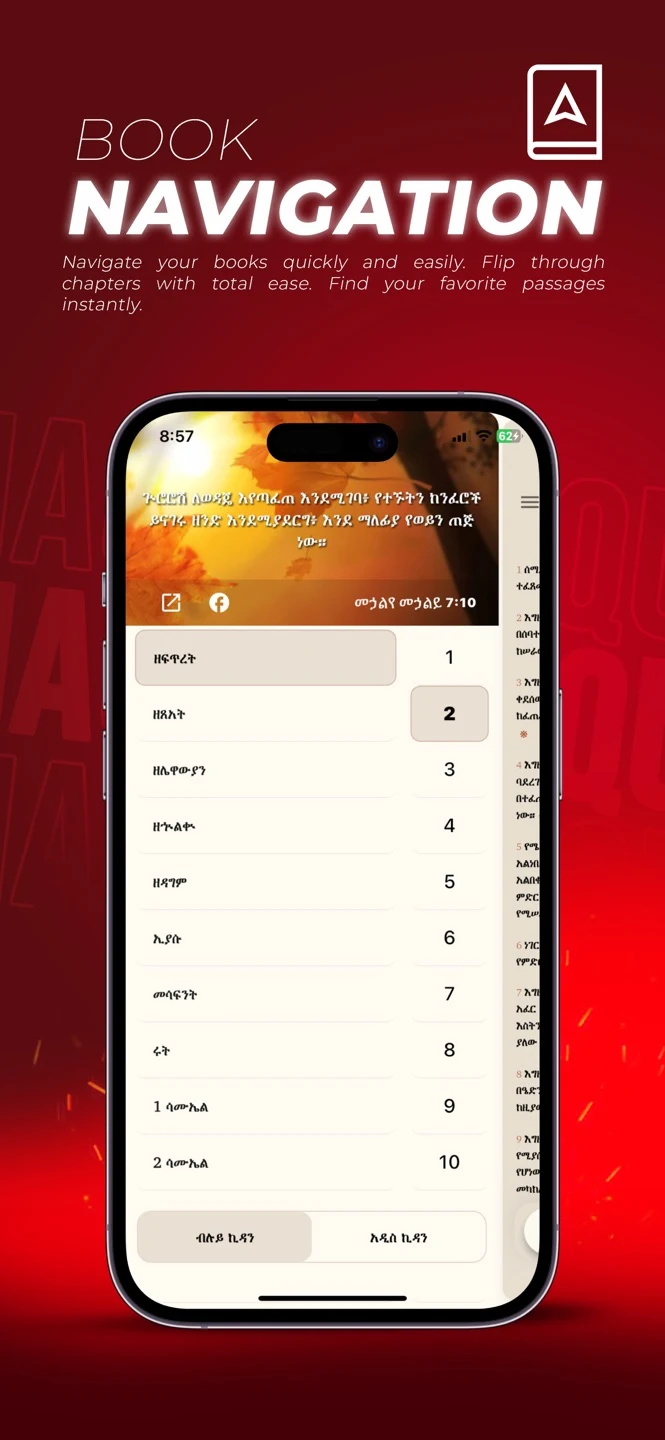
Amharic Bible+ official store screenshot 1
Amharic Bible+ official store screenshot 2
Amharic Bible+ official store screenshot 3
Get it on Google PlayDownload on the App Store
Macaafa Qulqulluu+ app icon

Afaan Oromoo

Macaafa Qulqulluu+

A dedicated Afaan Oromoo Bible app with an accessible reading interface, scripture tools, and offline availability.
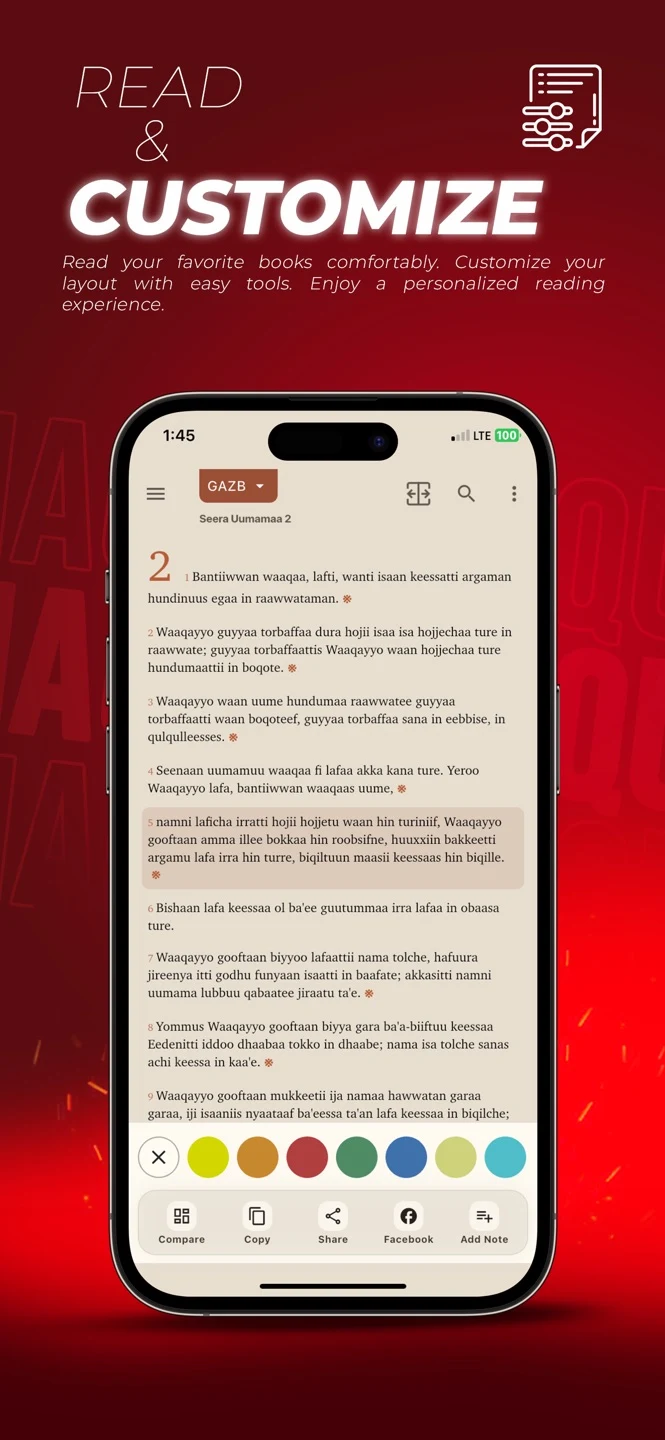
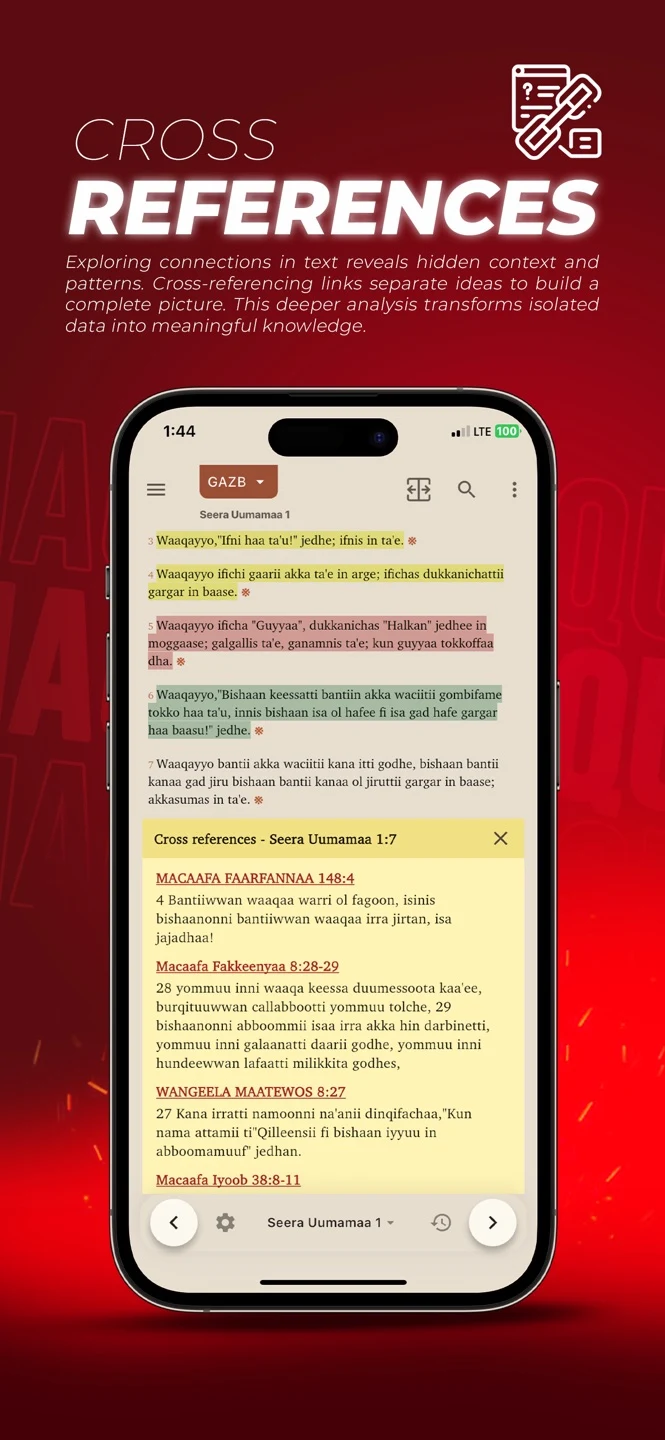
Macaafa Qulqulluu+ official store screenshot 1
Macaafa Qulqulluu+ official store screenshot 2
Macaafa Qulqulluu+ official store screenshot 3
Get it on Google PlayDownload on the App Store

Technology Stack

Mobile

  • React Native

Data & storage

  • SQLite

Reading experience

  • Offline Reading
  • Local-language Typography

Project Results

Amharic Bible+ and Macaafa Qulqulluu+ are both published on Google Play and the Apple App Store, giving readers in two languages a full study toolset that does not depend on mobile data.

  • Readers carry the complete text in their own language and open it with or without a signal.
  • A phrase half-remembered is enough to locate the verse, with search modes for exact or broader matches.
  • Highlights, notes, and bookmarks turn daily reading into personal study.
  • Cross references and parallel translations support deeper comparison without a second book.
  • Android and iPhone users, including those on the foldable iPhone Duo, get the same features.
  • Verses can be copied or passed on to friends and social media straight from the reading screen.

More Case Studies

eschool.et

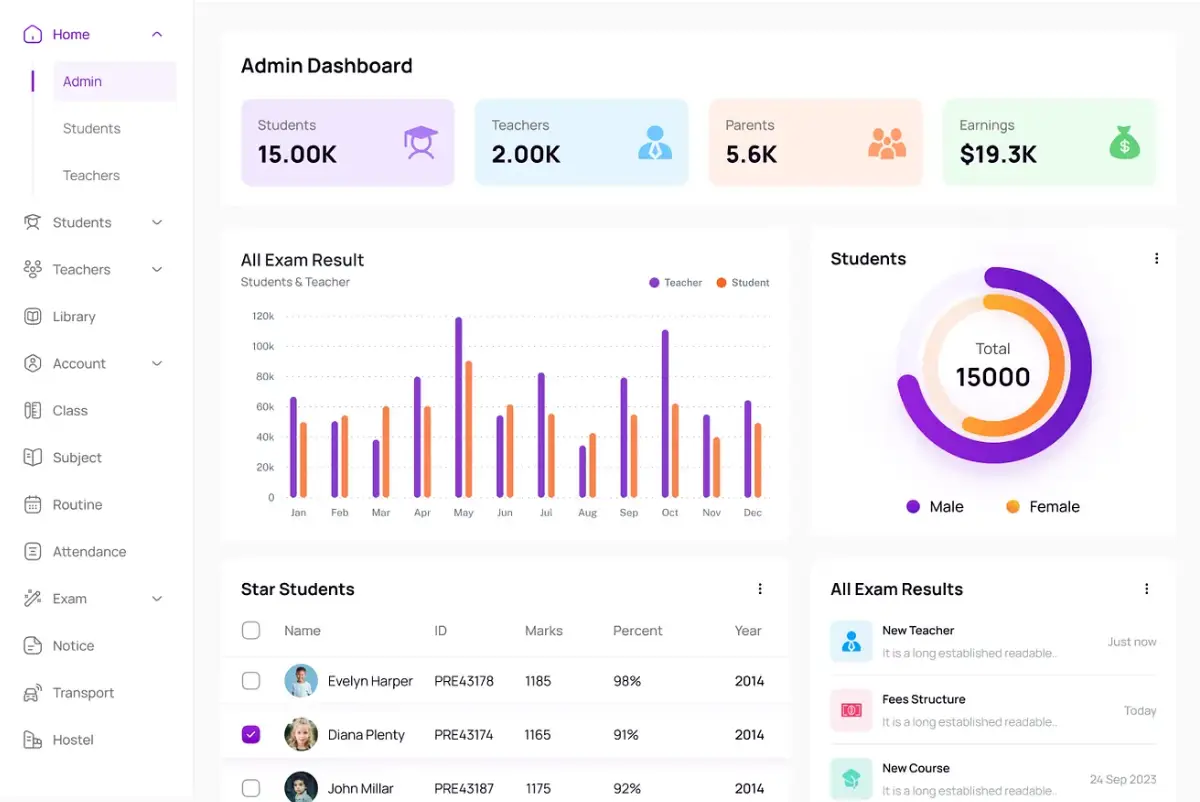
We built eschool.et, a school management ERP that brings enrollment, academics, attendance, fees, and parent communication into one platform, from a student's first day to graduation.

  • Custom development
  • Web development
  • Mobile development
  • Education
  • ERP

Exit Exam

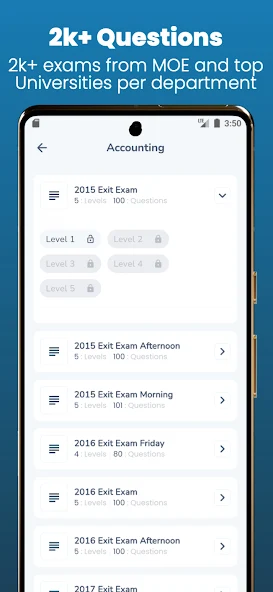
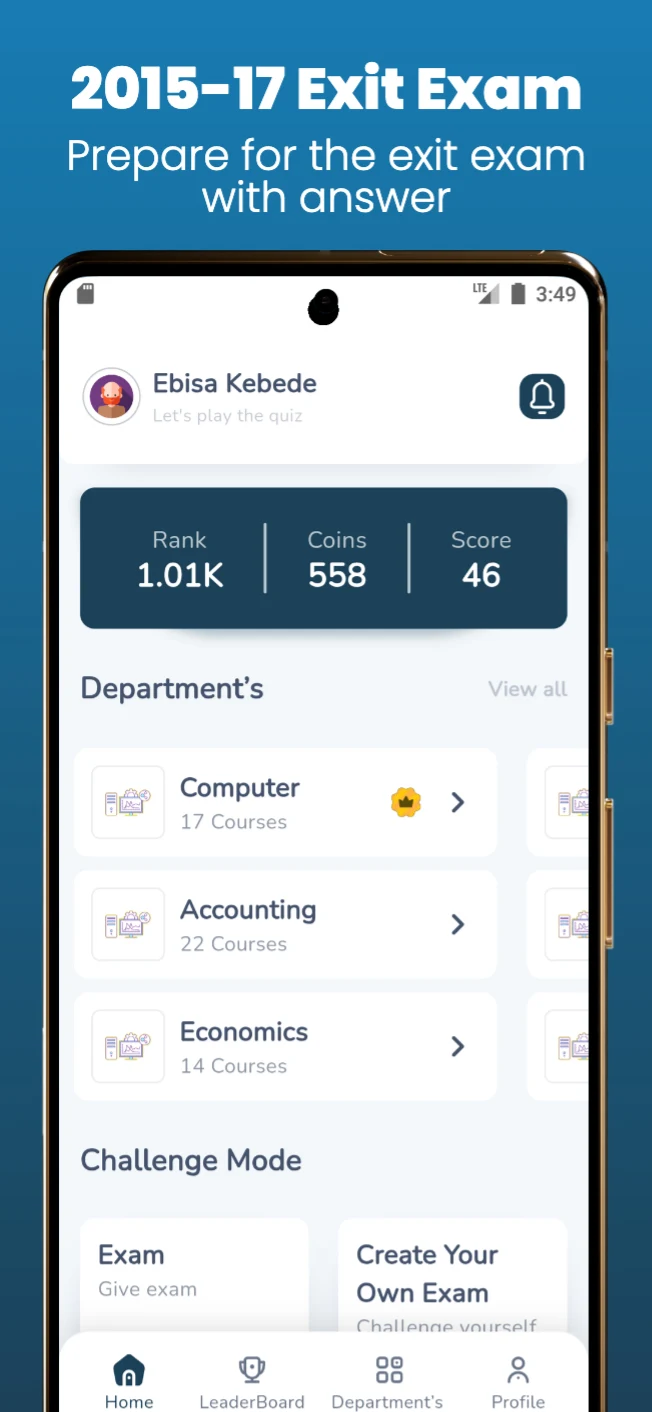
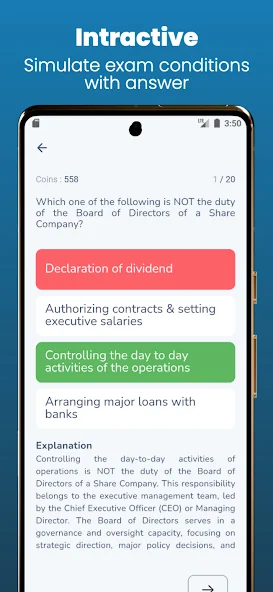
We built Exit Exam, a learning app that helps Ethiopian students prepare for exit exams with practice tests, study materials, and score tracking.

  • Mobile development
  • Custom development
  • Education
  • EdTech

Africa Graduate School

Africa Graduate School needed a professional website to build trust with students and academic partners. We created a clean, modern platform that presents their vision, programs, and admissions process clearly.

  • Web development
  • Design
  • Education
  • Website
All case studies

Tell us what you want to build next

Share your goals, users, required platforms, integrations, and launch priorities. The form is preselected for this project type, and you can change it at any time.